 Nzendo
Bookings and documents
Every booking on the right day, every document with its trip
Flights, hotels, and tickets arrive as emails, PDFs, and links in different places. Nzendo reads them into one itinerary and keeps the paperwork on the trip it belongs to.
Organise a tripFrom the inbox to the itinerary
-
Bookings
Forward it, paste it, or photograph it
Forward a confirmation email to import@nzendo.com, paste a booking link or text, or take a photo of a boarding pass. Nzendo reads the dates, times, and places and shows you what it found. Nothing joins the itinerary until you approve it.
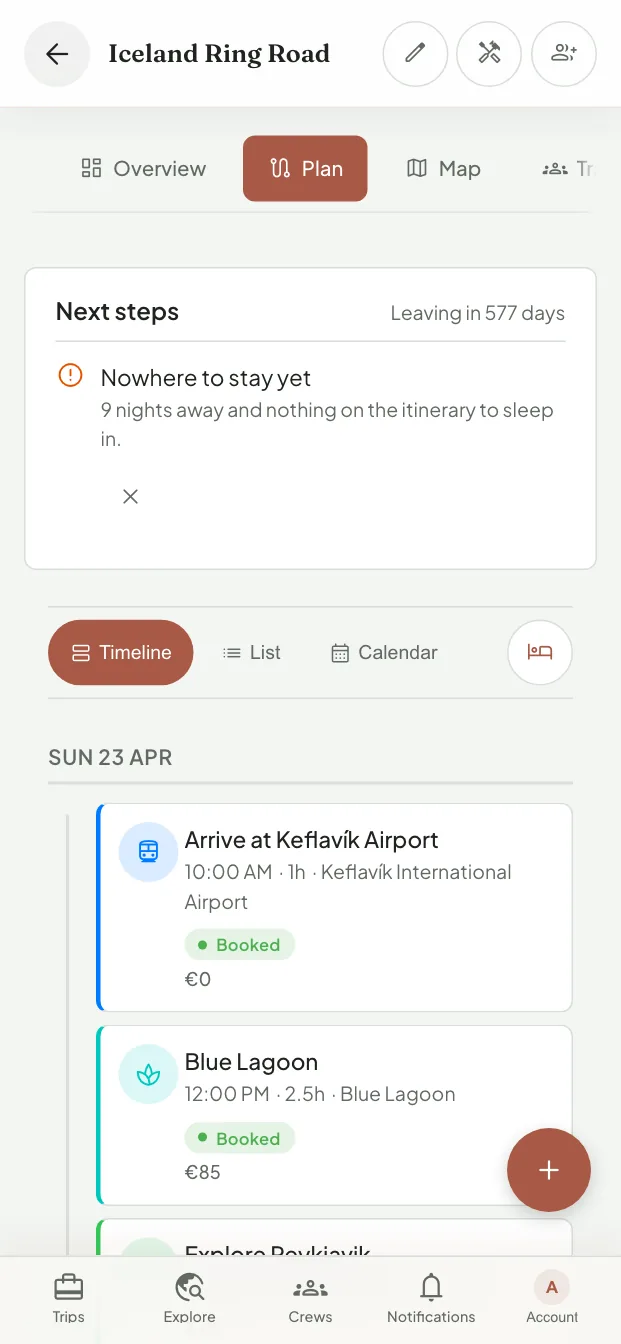
Each booking keeps the local time of where it happens, so a 9:00 train in Tokyo reads as 9:00 however far away you plan it from, and the plan marks any stop whose clock differs from the rest of the trip.
-
Documents
The paperwork lives on the trip
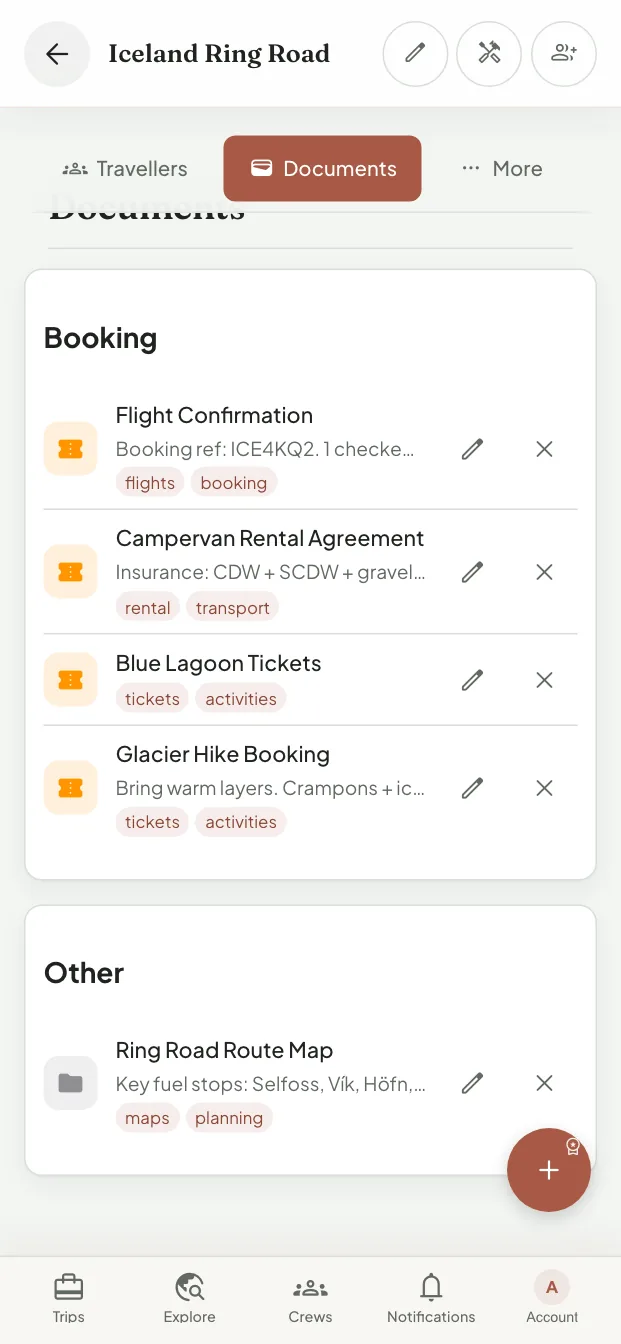
Upload tickets, confirmations, insurance, and passport scans to the trip, filed by type and linked to the booking they prove. Add an expiry date and Nzendo warns you when a document runs out before the trip ends, or within six months of it for a passport, and emails you 30 days before it expires.


The trip, wherever you look for it
The itinerary is the one record. Everything else reads from it.
In your own calendar
Subscribe once from Apple Calendar, Google Calendar, or Outlook. The feed carries the activities, where you sleep each night, and the tasks that are yours, and follows the plan as it changes.
What is missing, not only what is booked
Nights with nowhere to stay, bookings still marked planned, and documents that expire too soon show up as next steps before you leave.
On paper when you want it
Premium exports the day-by-day itinerary, tasks, packing list, documents to bring, and budget as one PDF.
Only the people who should see it
Choose for each person on the trip whether they can open its documents. Everyone else still sees the plan.
Questions about bookings and documents
Does Nzendo read my inbox?
No. It only sees the emails you forward to import@nzendo.com, and it only adds what you approve.
Can I open my documents without a signal?
On Premium, documents you choose are saved on the device before you travel. What works offline.
Which calendars work with the feed?
Any calendar that subscribes to an iCalendar link, including Apple Calendar, Google Calendar, and Outlook. You can also download the trip once as an .ics file.
Put the next trip in one place
Start with the bookings you already have. The rest of the trip fills in around them.
Start planning