 Nzendo
Offline travel
A trip that still works when the signal does not
Airplane mode, a foreign SIM, and a valley with no coverage are ordinary parts of a trip. With Premium, the trip is saved on your phone before you need it, and you can keep changing it until you are back online.
Start planningBefore you go, and on the road
-
Before you go
Save the map for the places you are going
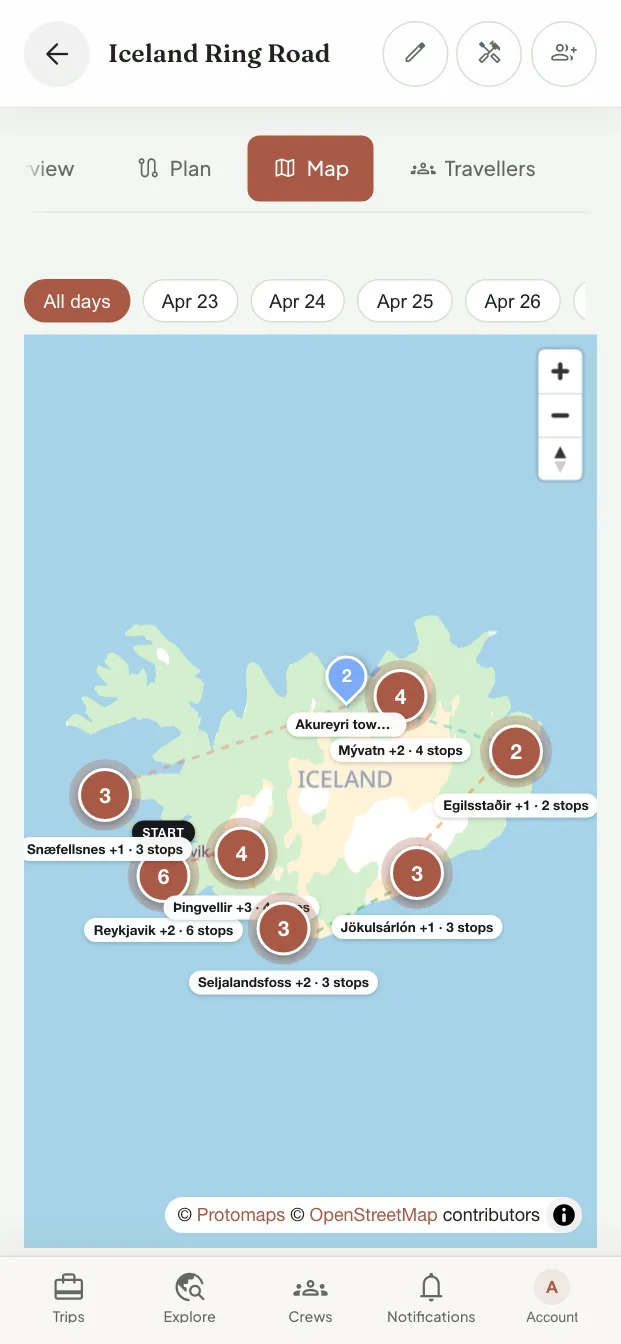
Save a trip's map to the device: the places the trip visits in street detail, and a coarser view of the country between them. The app tells you what it saved and how much space it takes, so you can check before the plane door closes.
-
On the road
The paperwork is on the phone
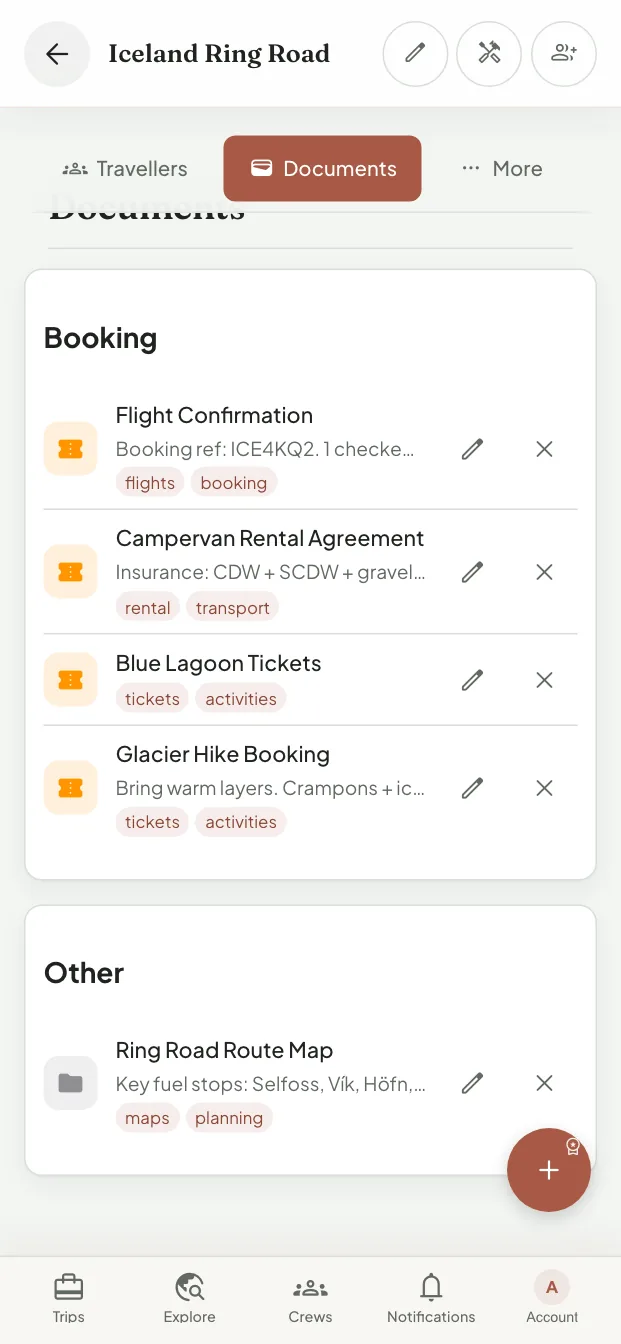
Choose the documents to keep on the device, and the itinerary and today's plan come with them. When someone at a desk asks for a booking reference, it opens without a connection.


What works offline, and what waits for a signal
Knowing which is which is worth more than a promise that everything works everywhere.
Changes you can make offline
Edit the trip, its activities, stays, travellers, tasks, packing list, and expenses. Nzendo saves each change and sends it when you reconnect.
What needs a connection
Uploading a new document, the trip discussion, live flight status, reading a booking with AI, and paying someone back all wait until you are online, and the app says so.
You can see how fresh it is
The trip shows what is downloaded and when it last synced, so you know whether the plan on your screen is the latest one.
On the web and on iPhone
Install the web app to your home screen on Android or a computer, or use the iPhone and iPad app. Offline access works in both.
Questions about offline travel
Is offline access free?
No. Offline access is part of Premium. The free plan keeps your trips online and in sync.
What if two people edit the same thing while offline?
Each change is sent when that person reconnects. If one can no longer be applied, for example because someone deleted the item meanwhile, the app shows it instead of dropping it quietly.
Will it work on a plane?
Yes, once the trip is saved to the device before you board. Saving needs a connection, and Nzendo waits for one that is not metered before downloading a map on its own.
Plan it online, take it anywhere
Start the trip on any screen and save it to your phone before you leave.
Start planning